 AirglowGithub
Edit any website
on the internet
Works with Claude, Codex, or any coding agent
Install AirglowGoogle ChromeMac, Linux?Windows is supported on Airglow-for-Business
Add custom features on top of any website.
Literally any website.
How it works
- 1
Install Chrome extension
Install Airglow - 2
Airglow installs agent
instructions to your PC~/.airglow/AGENTS.md - 3
Ask Claude/Codex to edit a website
“Make an app to hide YouTube Shorts”
Watch demo
Features
Create shortcuts for repetitive tasks
Connect your data sources
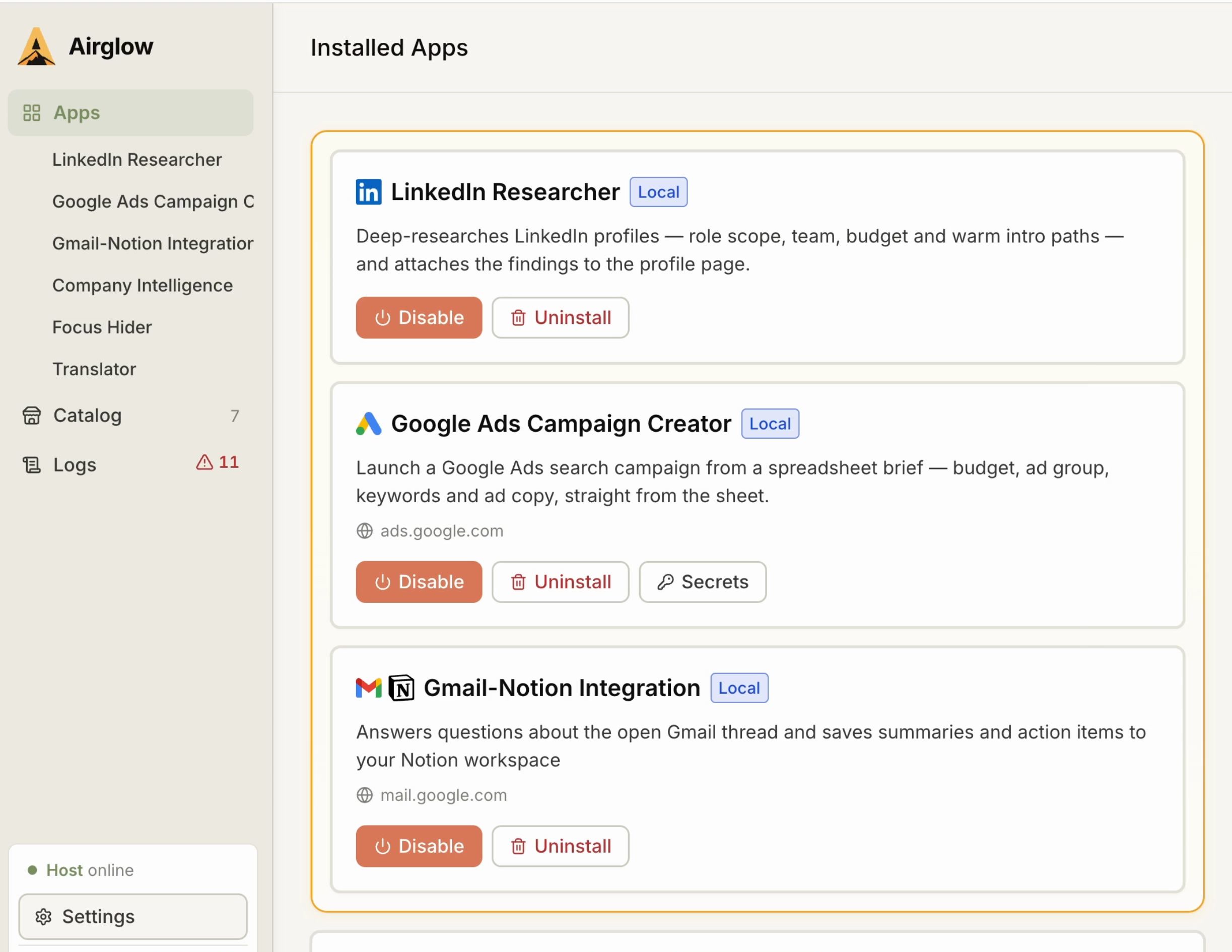
Changes persist as apps
Common usecases
Marketing
Launch Google Ads campaigns straight from a spreadsheet.
Sales
Enrich LinkedIn profiles with external data and CRM.
HR
Filter LinkedIn profiles by your custom criteria.
Finance
Turn invoice emails into spreadsheet rows.
Airglow for Business
Want automations built for you?